How to zoom in on a PDF and fit it to the window
In PDFluent Editor, use the bar at the bottom of the document: click "+" to zoom in, "−" to zoom out, or click the percentage and pick a level from 50% to 200%. The fit button at the right end of that bar fits the page to the window width again. The editor is free for everyone, including commercial use, and you do not need an account.
You open a report and the page fills the whole window, so the text looks large. Or you want to see the small print in a table and need it bigger.
This guide shows how to zoom in and out in PDFluent Editor 1.1.2 and how to fit the page to the window again. The last part covers the zoom a document opens at. The labels are the real ones from the app.
Zoom and fit, step by step
PDFluent Editor is free for everyone, including commercial use. There is no licence key, no trial and no subscription, and you do not need an account.
The steps and screenshots use PDFluent Editor 1.1.2 on a Mac. The editor also runs on Windows. The sample file is an invented six-page quarterly report.
Open the PDF
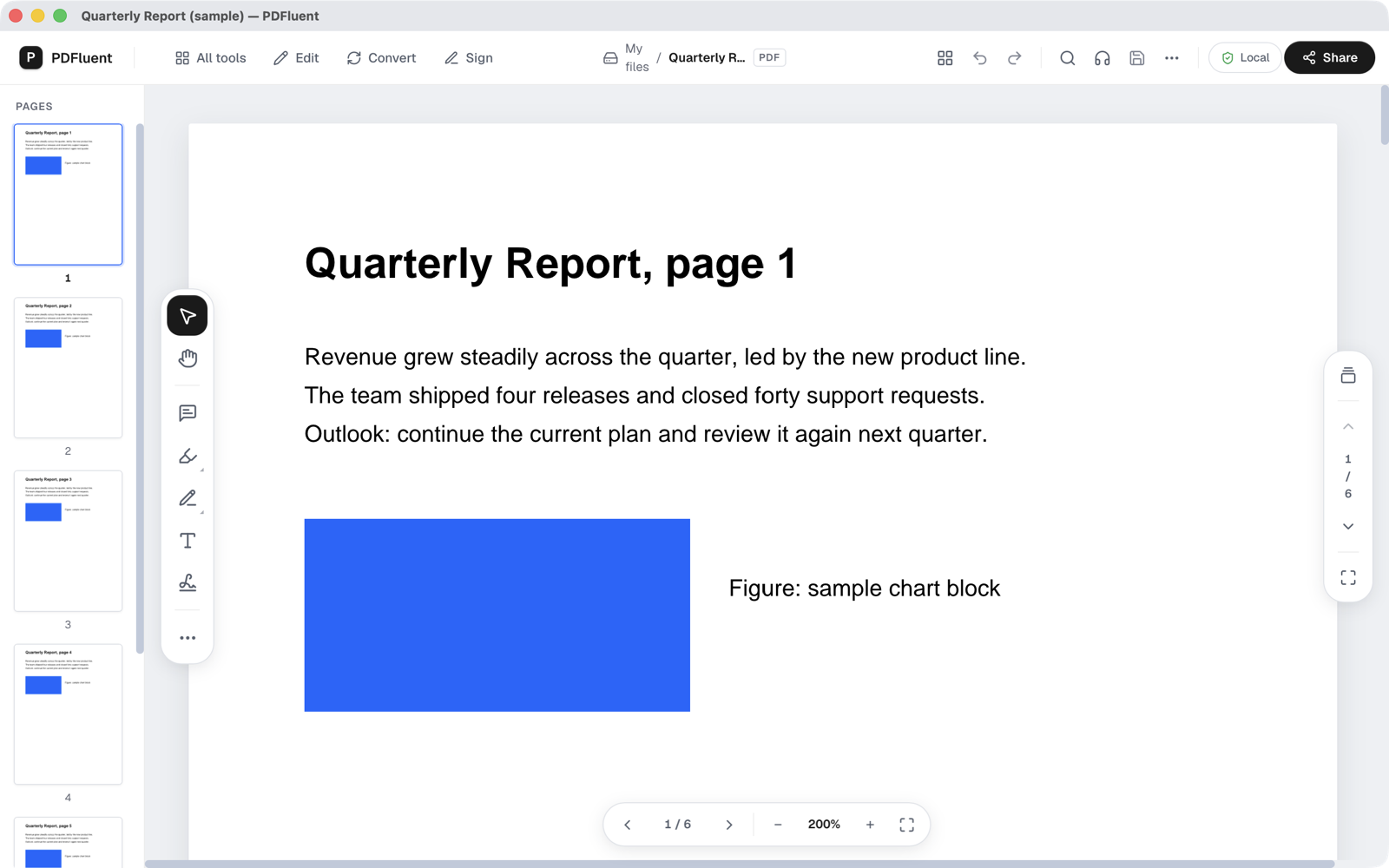
Open the file in PDFluent Editor. It opens fitted to the width of the window, so in a wide window the page can look large. The bar at the bottom of the document has the page counter, here "1 / 6", then "−", the zoom percentage, "+" and a fit button with a corner-brackets icon at the right end.
Pick a zoom level
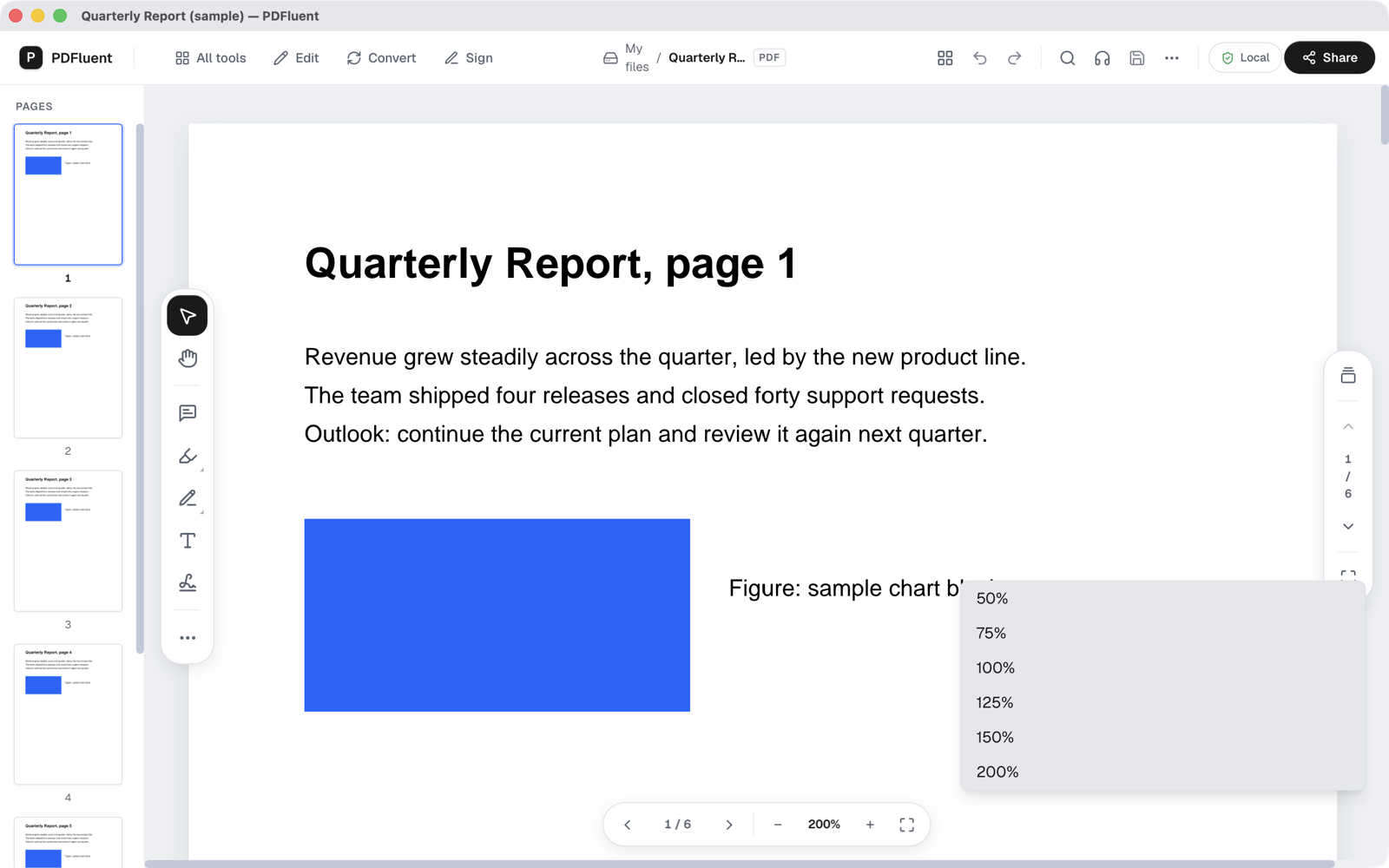
Click the percentage in the bottom bar. A list opens with 50%, 75%, 100%, 125%, 150% and 200%. Click 100% to see the page at actual size.
Zoom in or out one step
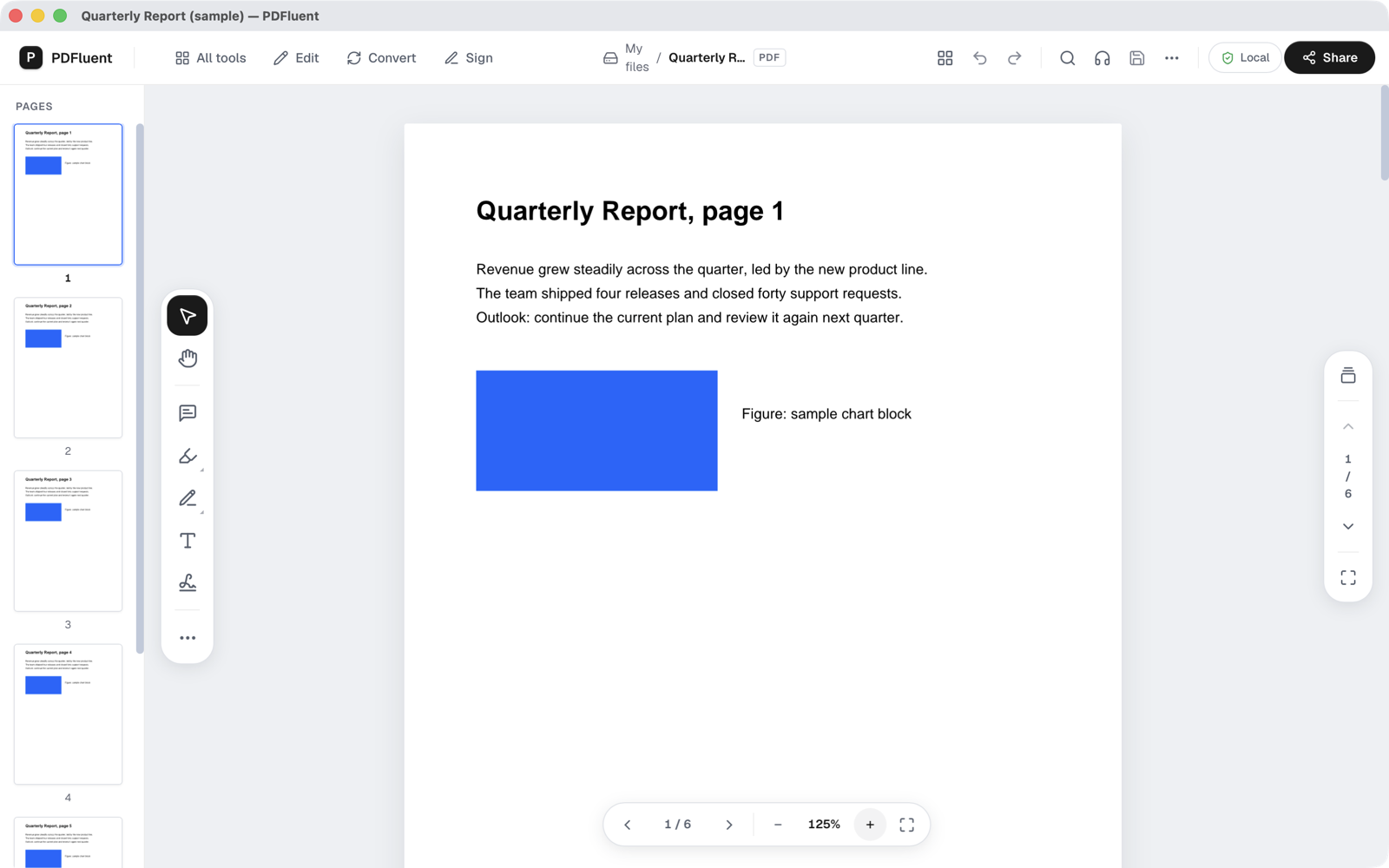
Click "+" to zoom in one step. From 100% it goes to 125%. Click "−" to zoom out.
Fit the page to the window
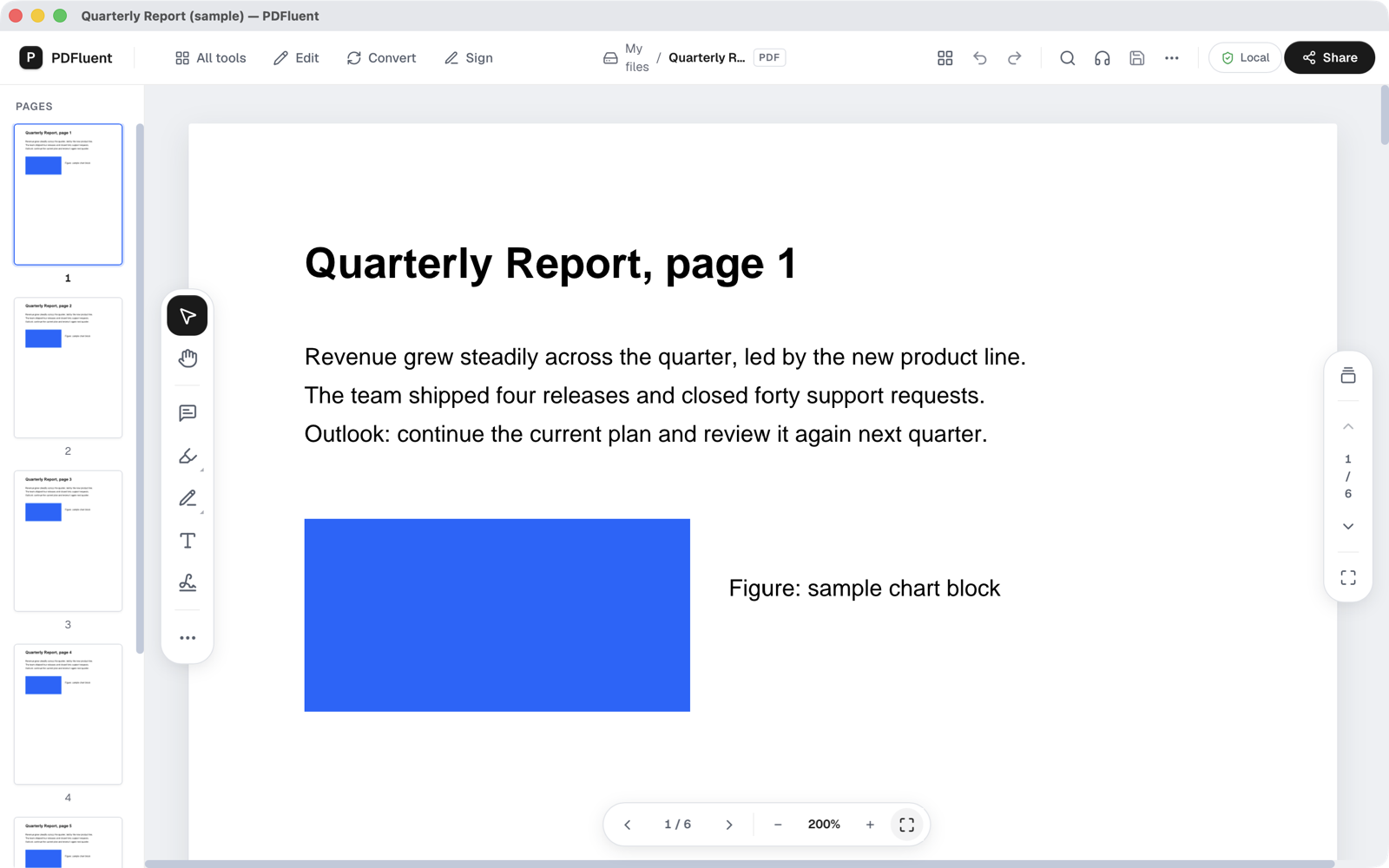
Click the fit button with the corner-brackets icon at the right end of the bottom bar. The page fits the window width again.
Or zoom from the command search
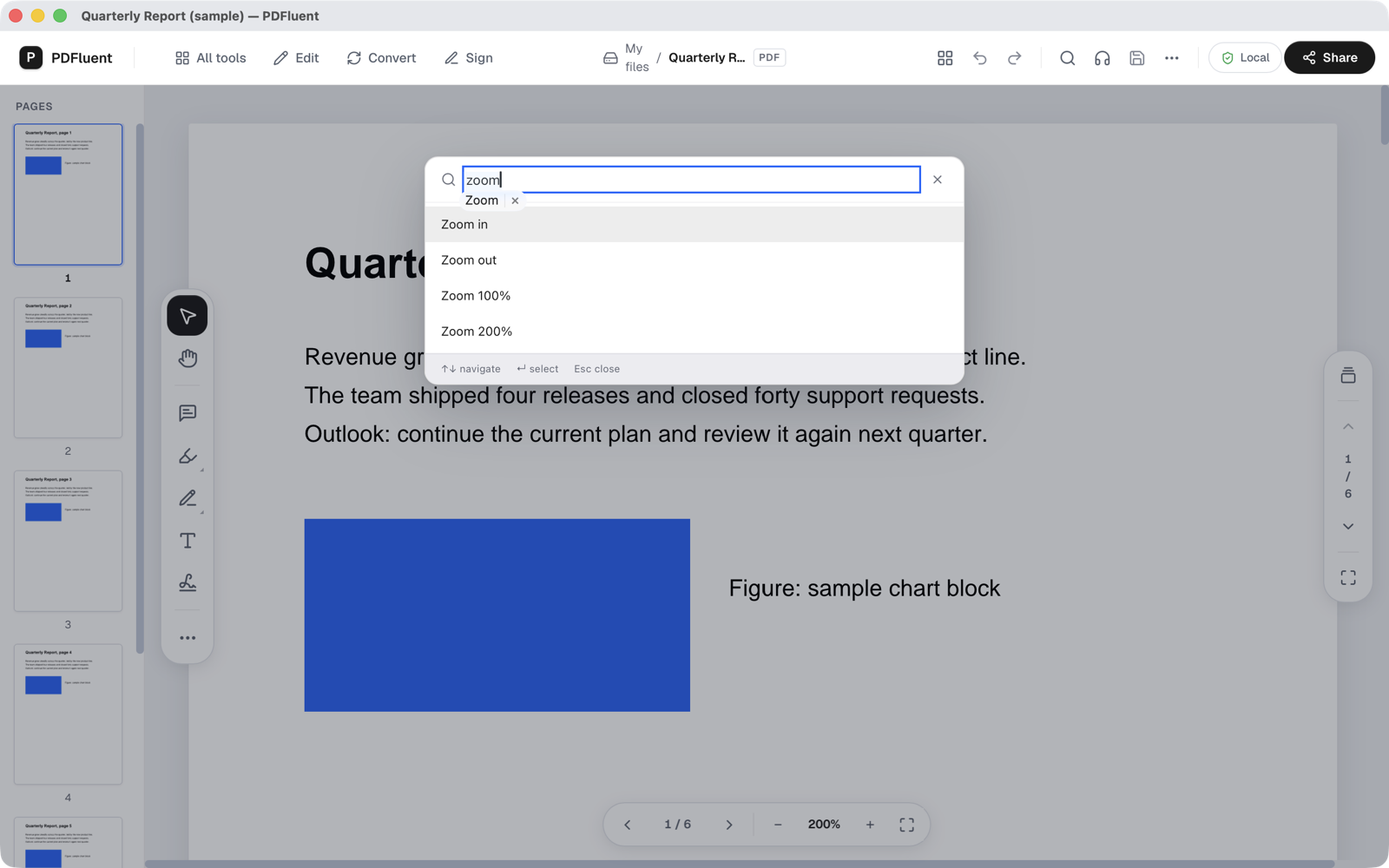
Press Command-K. A search field opens with the text "Search commands…". Type zoom. The list shows "Zoom in", "Zoom out", "Zoom 100%" and "Zoom 200%". Click the one you want.


Choose the zoom a PDF opens at
If you would rather see the whole page when a file opens, change the default zoom.
Open Settings
Press Command-K, type settings and click "Settings". In the View section, find "Default zoom". It is set to "Fit width (default)". The other choices are "Fit page", "Actual size (100%)" and "Last used". Pick the one you want.
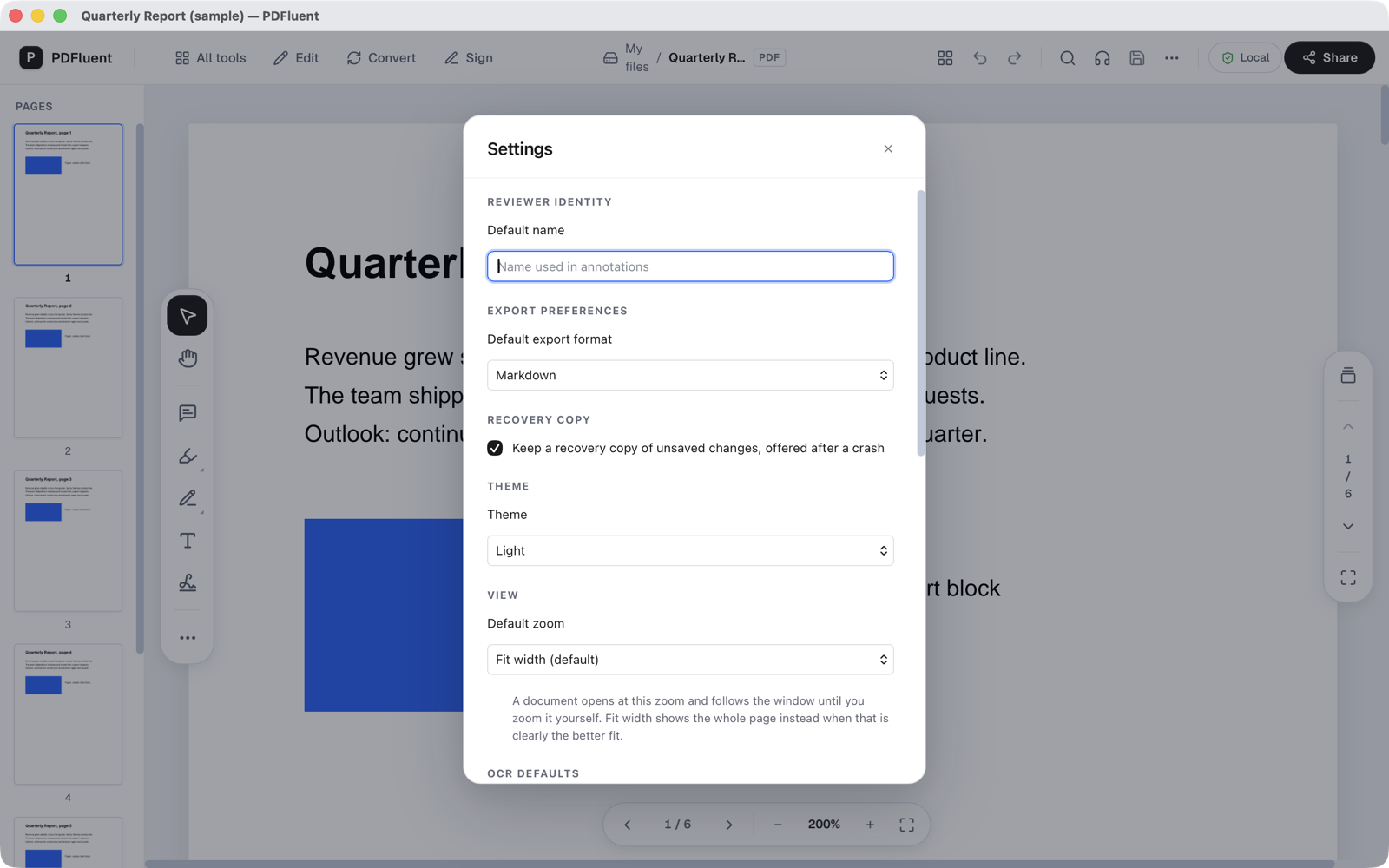

The hint under the setting says: "A document opens at this zoom and follows the window until you zoom it yourself. Fit width shows the whole page instead when that is clearly the better fit." So when you make the window wider or narrower, the page keeps fitting until you zoom by hand.
PDFluent Editor is free for everyone, including commercial use, and your documents stay on your computer.
What it does and does not do
- Zoom changes how big the page looks on screen. It does not change the file.
- The list under the percentage goes from 50% to 200%. To get back to the window width, use the fit button.
- It does not rotate the view. To turn pages for good, see the guide on rotating PDF pages.
- If you have several PDFs open in tabs, each tab is its own document.
How to check it worked
Look at the percentage in the bottom bar. After you pick 100% it shows 100%, and after "+" it shows 125%. After the fit button, the page fills the window width again.
Free, at home and at work
PDFluent Editor is free for everyone, including commercial use. There is no licence key, no trial, no tier and no subscription, and you do not need an account. On a Mac, documents are processed on your computer and the editor works without an internet connection.
Frequently asked questions
Why does my PDF open so large?
PDFluent Editor opens a document fitted to the width of the window. In a wide window that makes the page big. Click the percentage in the bottom bar and pick a smaller level, or change "Default zoom" in Settings.
How do I see the whole page at once?
Zoom out with "−" or pick a lower level from the list under the percentage. To open every file this way, set "Default zoom" to "Fit page" in Settings.
How do I get back to 100%?
Click the percentage in the bottom bar and choose 100%. You can also press Command-K, type zoom and click "Zoom 100%".
How do I fit a PDF to the window width?
Click the fit button with the corner-brackets icon at the right end of the bottom bar. The page fits the window width again.
How do I set the default zoom?
Press Command-K, type settings and open "Settings". In the View section, choose "Fit width (default)", "Fit page", "Actual size (100%)" or "Last used" under "Default zoom".
Is PDFluent Editor free, and do I need an account?
It is free for everyone, including commercial use. There is no licence key, no trial, no tier and no subscription. You do not need an account or a sign-in.
Keep reading
Building software? Get the SDK.